 KidPause v1.0.6
Turn Kids' Screen Time
Into a Gentle Bedtime Routine
KidPause prevents screen time tantrums when time is up. Instead of abrupt shutdowns, seven adorable daily animal friends yawn, turn down the lights, and guide children peacefully into bedtime.
Real Device Screenshots
Effortless and secure for parents, warm and soothing for young children.
 🔍 Zoom
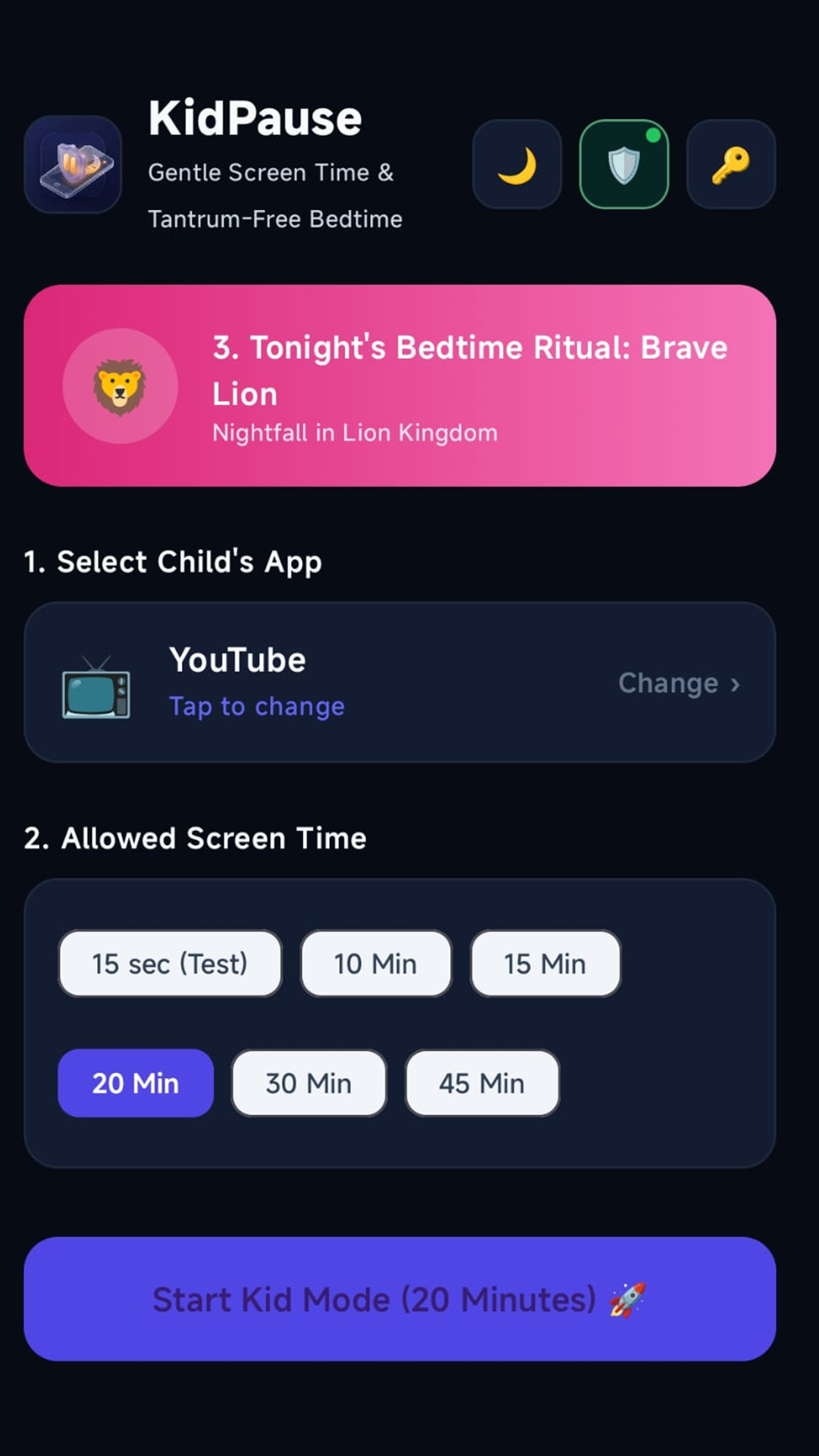
⏱️ 1. Effortless Timer
Choose a permitted app and start 15, 30, or 45-minute safe sessions in one touch.
 🔍 Zoom
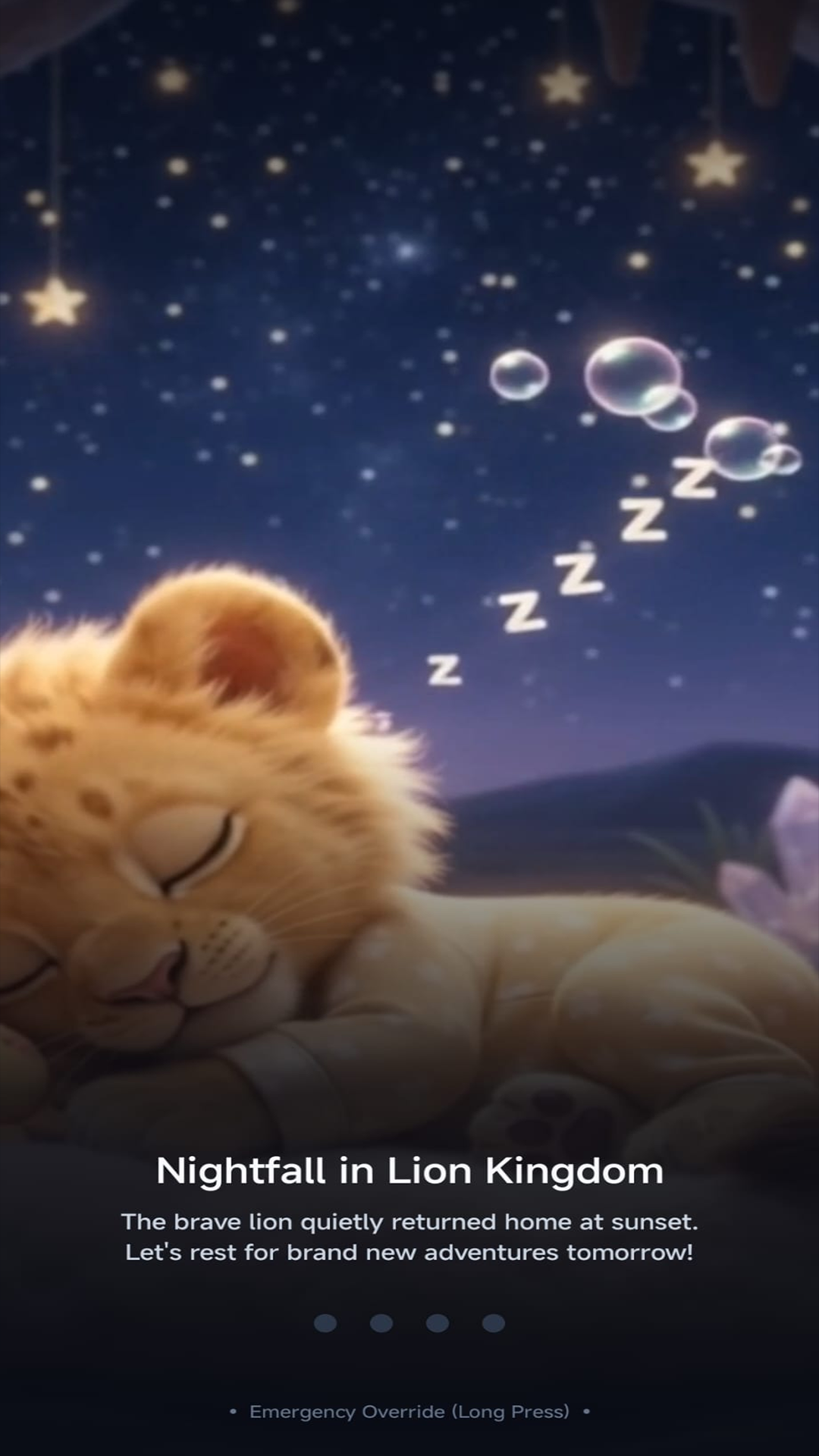
🌙 2. Gentle Bedtime Story
When time ends, the animal friend yawns and the screen dims softly to signal rest time.
 🔍 Zoom
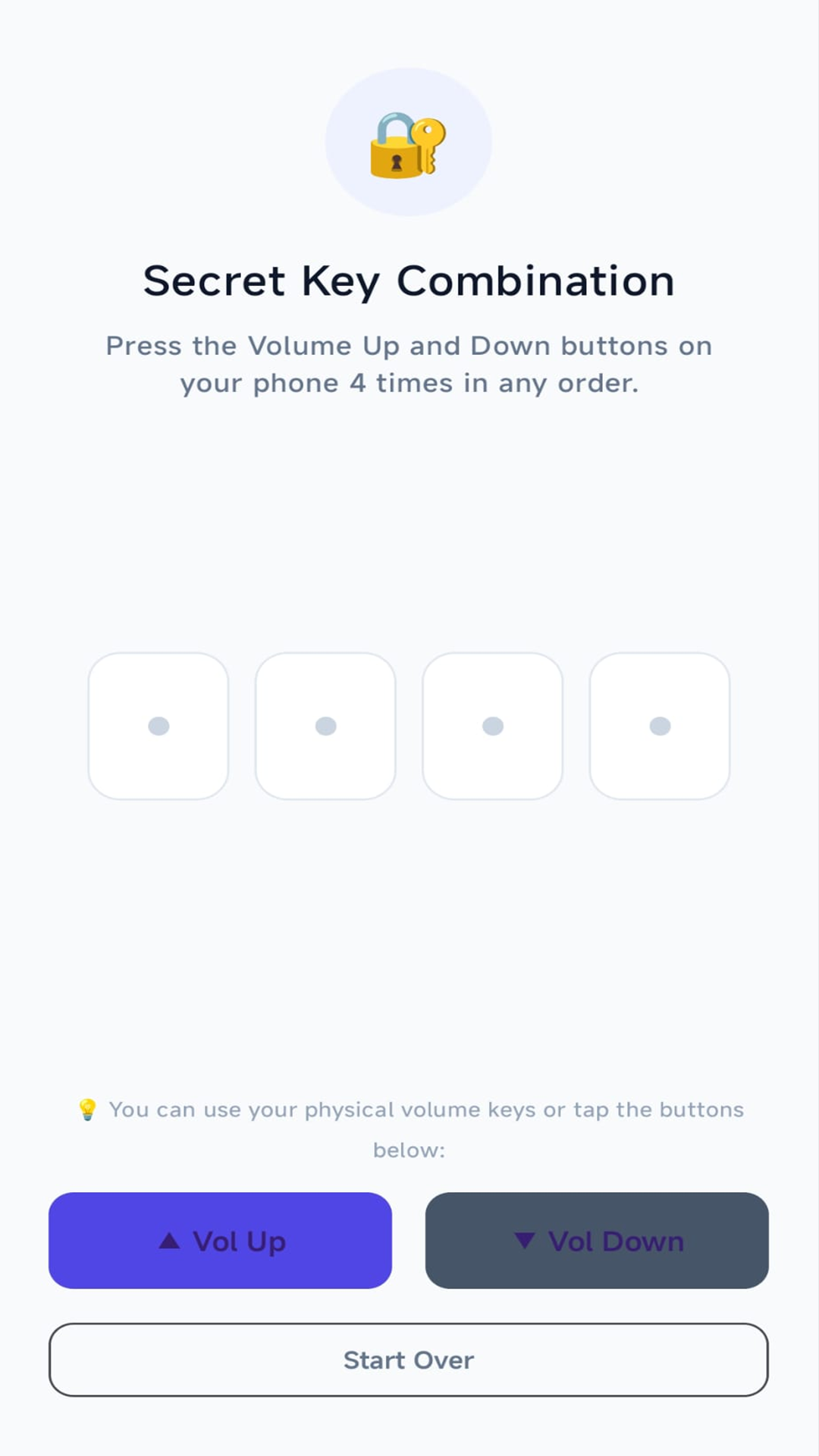
🔑 3. Physical Volume Lock
No password keypad for kids to bypass. Only parent's volume sequence unlocks.
 🔍 Zoom
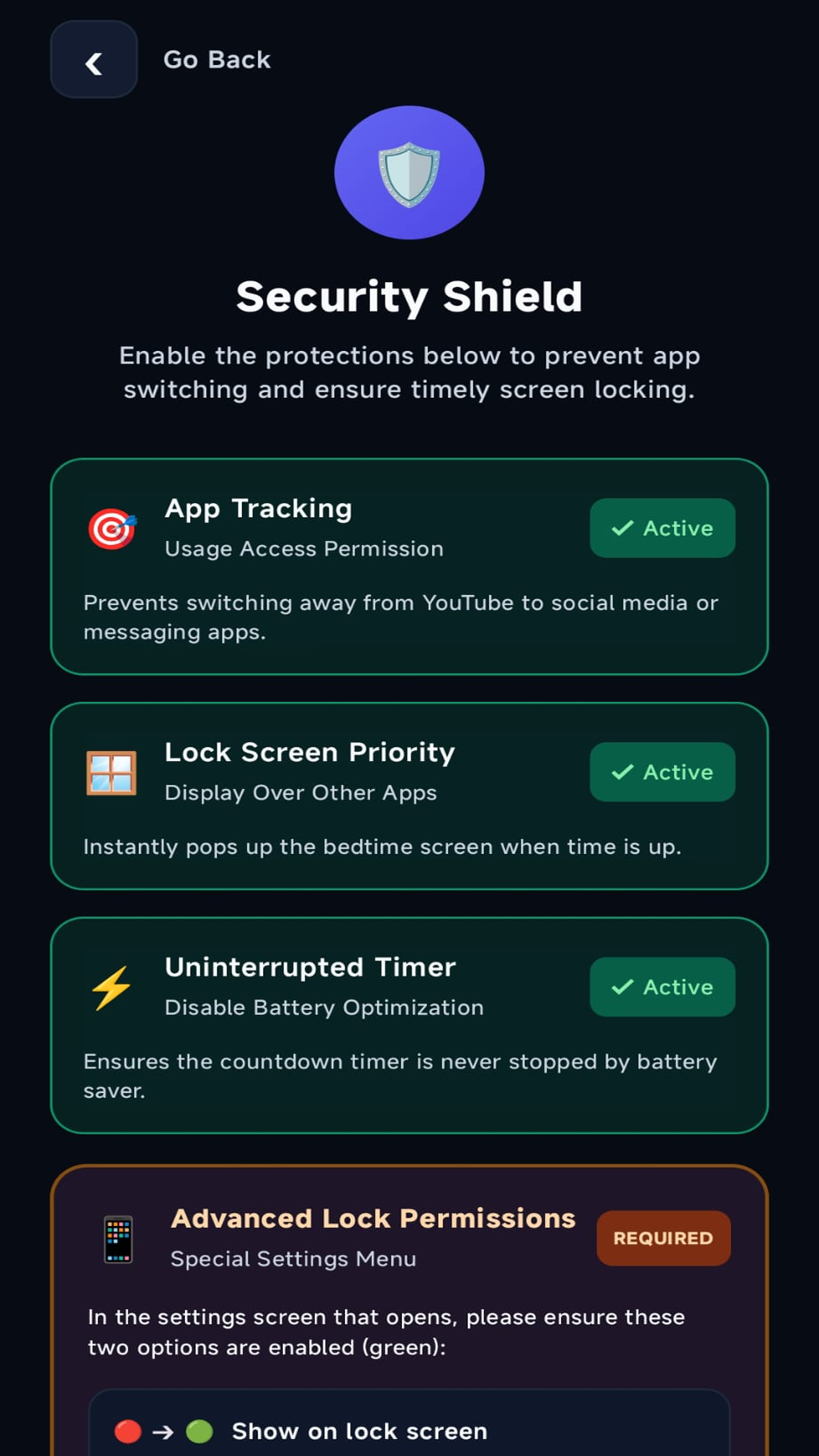
🛡️ 4. Child-Safe Sandbox
Restricts unauthorized escape to gallery, banking, or settings apps.
 🔍 Zoom
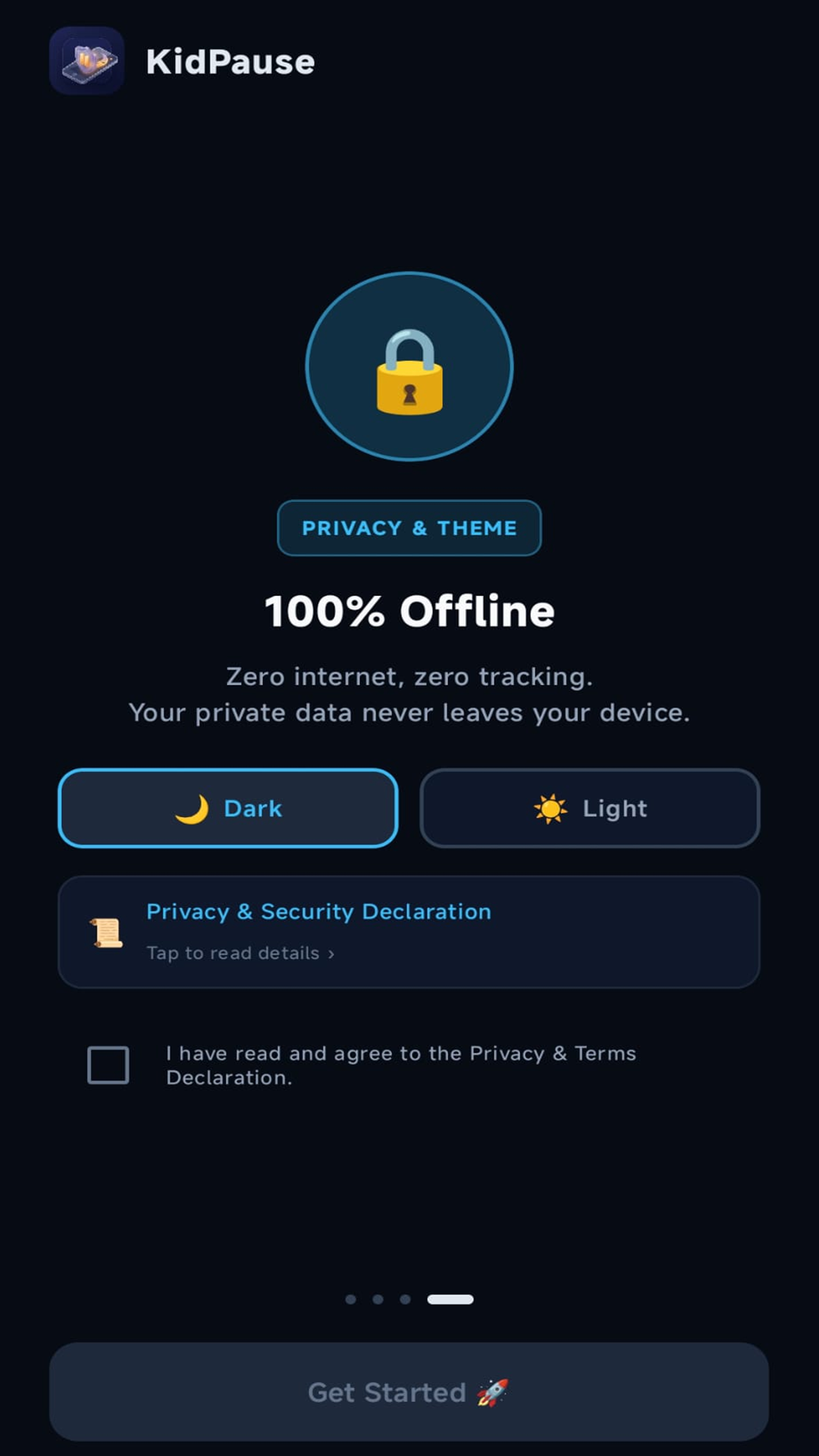
ℹ️ 5. Transparent & Offline
Read the complete verified privacy policy inside the app, even without internet.
3 Pillars for Peaceful Screen Time
Combining technology and pediatric psychology to protect household peace.
1. Timer & Protected Mode
Select the app your child is permitted to use. During the active session, access to other private apps (such as WhatsApp, banking, and gallery) is strictly restricted.
2. Pedagogical Sleep Routine
Sessions do not abruptly go black. A friendly animal companion stretches, yawns, and snuggles into bed as brightness dims, naturally signaling: "The phone is tired and going to sleep."
3. Secret Hardware Key Unlock
Kids can't peek at an on-screen password because none exists. Parents unlock the phone discreetly by pressing their custom volume key combination (e.g. 2 Up, 1 Down).
Maximum Freedom for Parents, Safe Discovery for Kids
One-time lifetime purchase. No subscriptions, no ads, and full multi-app sandbox control.
Multi-App Sandbox Mode
Allow multiple kid-safe apps at once (e.g., YouTube Kids, drawing apps, and puzzle games). The device stays firmly locked inside your approved sandbox.
Floating Child Switcher
Kids switch seamlessly between allowed apps using the cute KidPause floating mascot bubble. Never touches the home screen or triggers accidental lockouts.
100% Ad-Free & Lifetime
Zero banner ads and zero interruptions anywhere in the app forever. One single payment, zero recurring subscription fees.
| Feature | KidPause Free | KidPause Pro ⭐ |
|---|---|---|
| Allowed Apps in Session | 1 Selected App (Single Sandbox) | Unlimited / Multi-App Sandbox 🚀 |
| Floating App Switcher Widget | ✕ Not Available | ✓ Mascot Bubble Included 🎈 |
| Ad Experience | Family-Safe Ads in Parent Panel | 100% Ad-Free Everywhere ✨ |
| Hardware Key Volume Lock | ✓ Included | ✓ Included |
| Pedagogical Animal Sleep Routines | ✓ All 7 Animal Friends | ✓ All 7 Animal Friends |
| Offline & Zero-Data Privacy | ✓ 100% Local (Zero Data) | ✓ 100% Local (Zero Data) |
| Pricing & Terms | Free Forever | One-Time Lifetime (No Subscriptions) 💎 |
Frequently Asked Questions
Make Screen Time Peaceful & Tear-Free
Now available on the Google Play Store. Download now or review our full privacy policy for comprehensive compliance details.